
How to Cancel Software Auto-Renewal (WeChat Pay)
Update Date: 11/24/2025
Methods to cancel WeChat automatic payments:
Method 1: Cancel via Payment Management Page
-
Tap the WeChat icon on your phone screen to enter the main interface
-
Tap the “Me” button at the bottom right to enter your personal info page
-
On the personal info page, find and tap “Services”
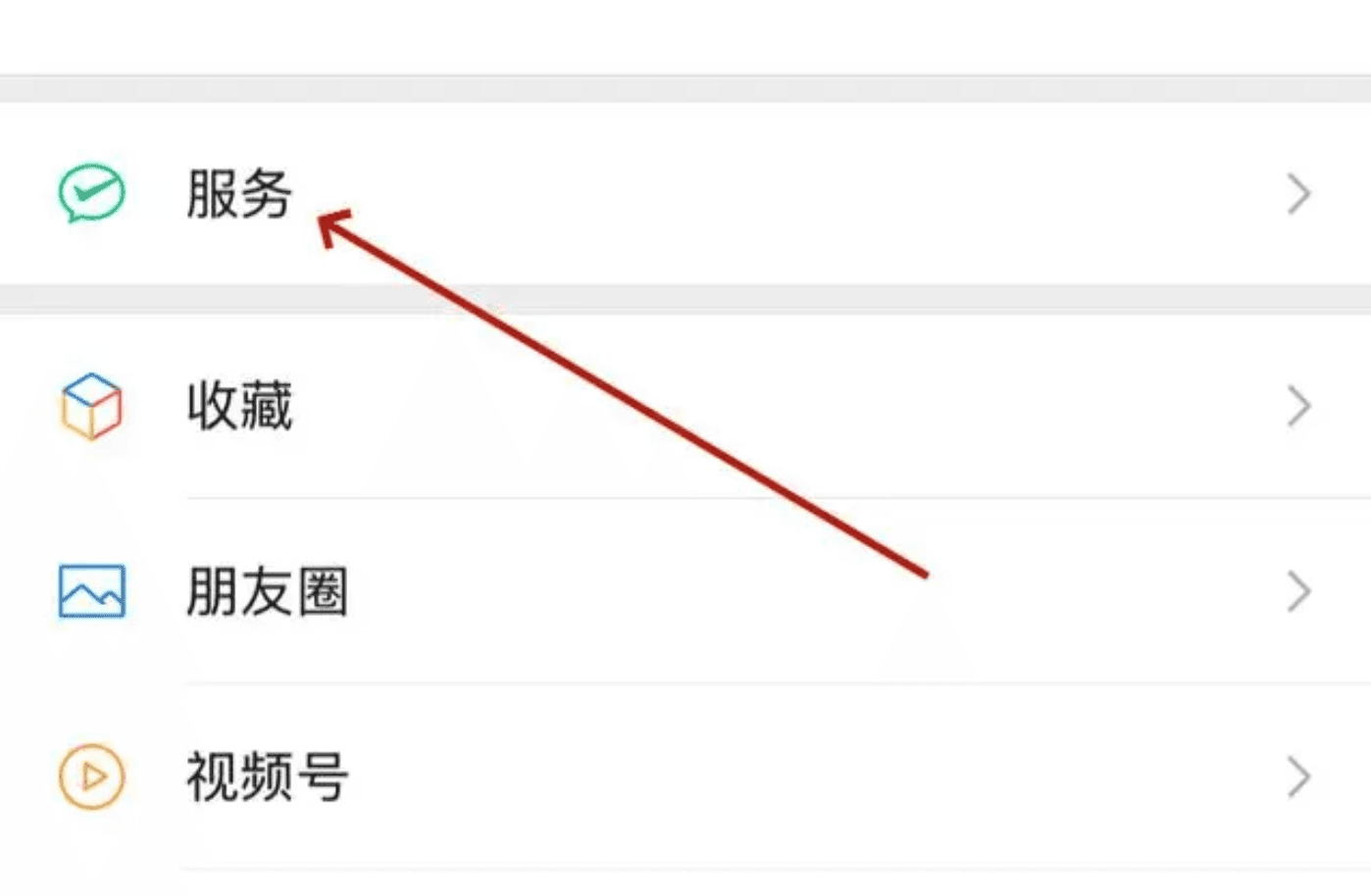
- Tap “Wallet”
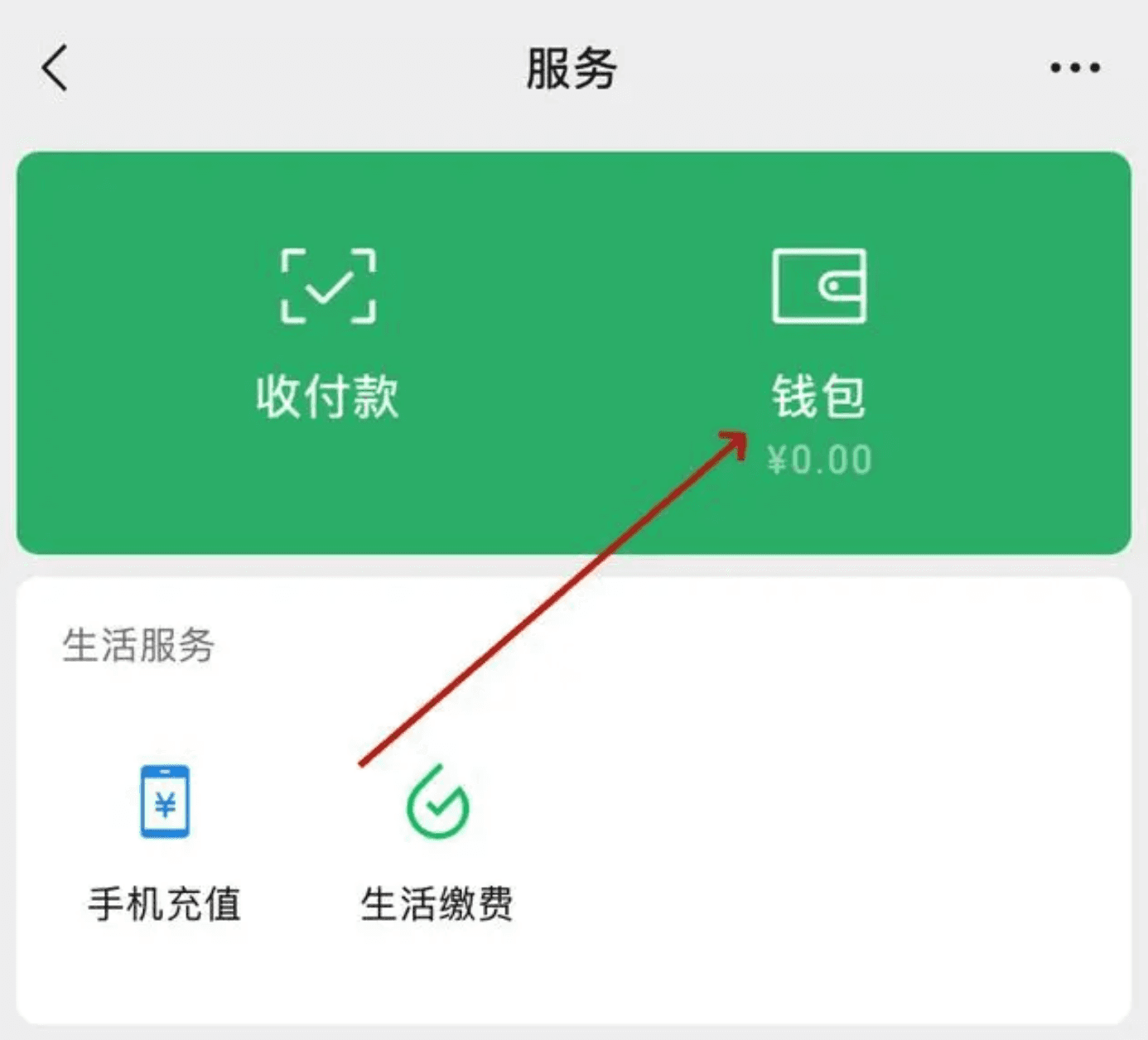
- On the wallet page, tap “Payment Settings” at the bottom
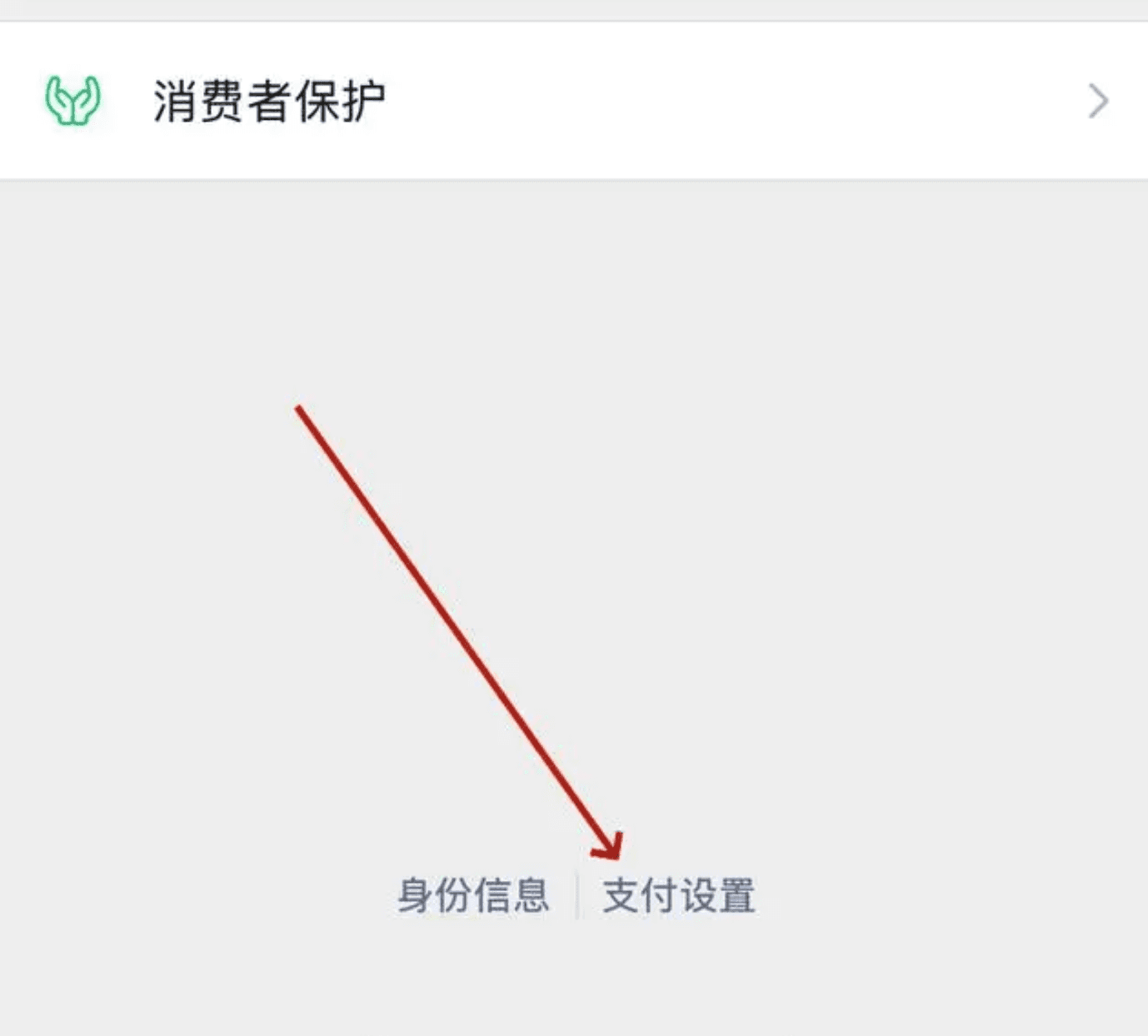
- On the payment settings page, find and tap “Auto-Renewal”
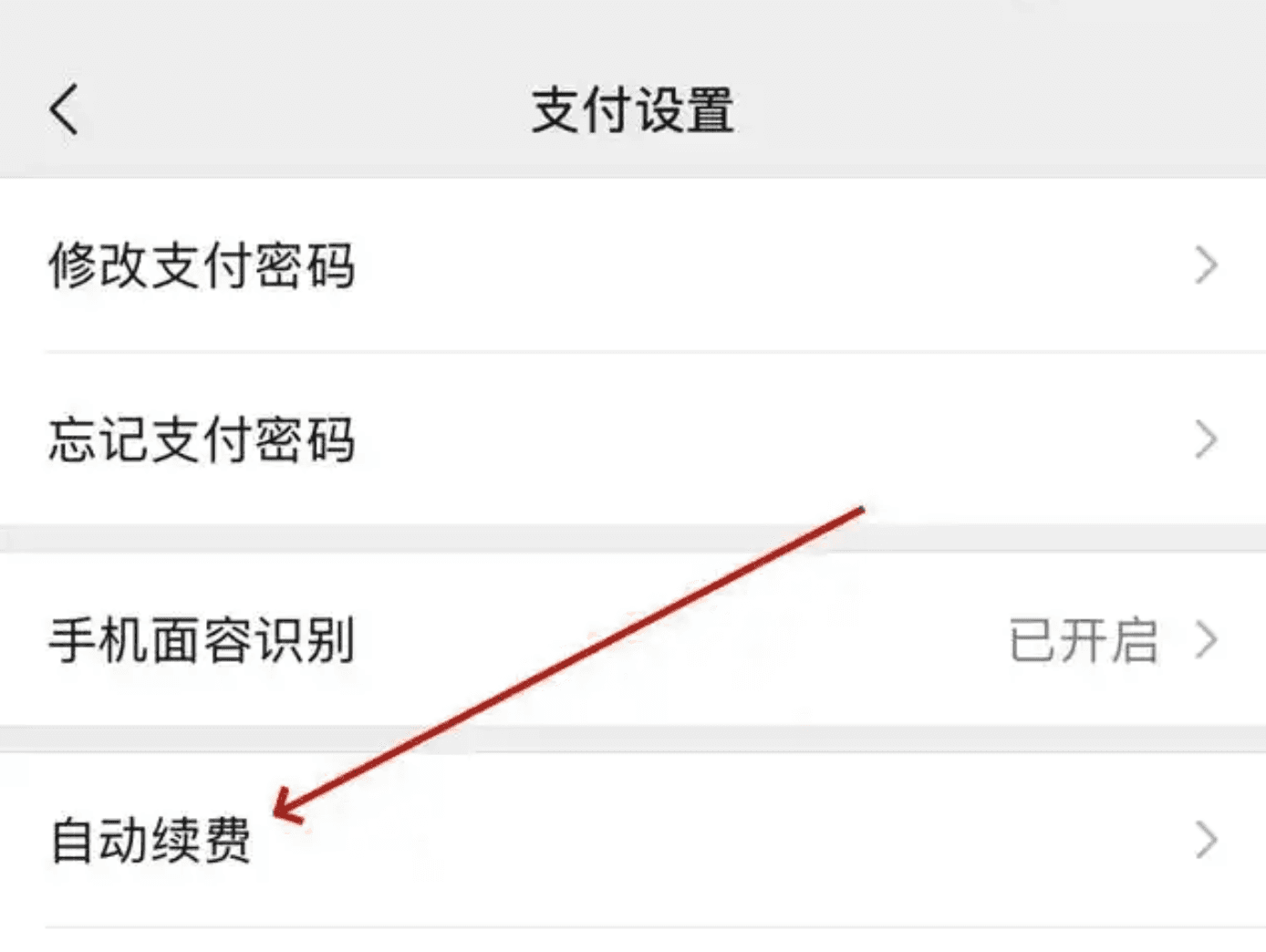
- On the auto-renewal management page, all services with auto-renewal enabled are listed here. Find the ideaShell service, tap to enter the details page, then tap “Turn off payment service” to cancel. Finally, confirm to turn it off.