
Recording Duration and Credits
Update Date: 11/24/2025
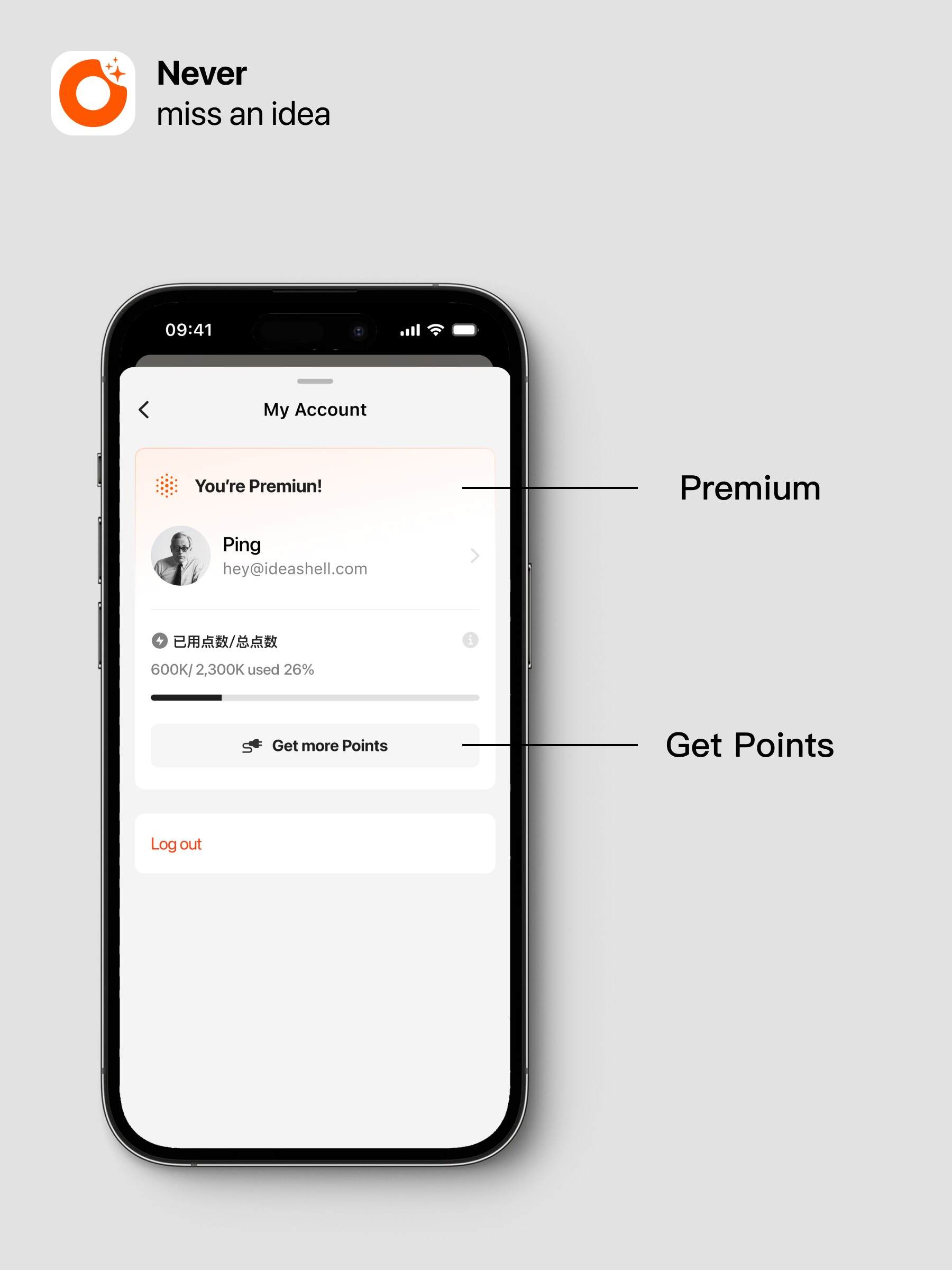
What are Credits?
Credits are the “energy units” that power AI features, just like battery power. With credits, you can activate powerful AI to complete various tasks.
How to Get Credits?
Free Plan Users
- Receive a certain amount of free credits every week
- Unused credits for the week cannot be accumulated. Once used up, you can get more credits through subscriptions and invitations
Premium Users
- Automatically receive credits based on the purchase cycle (calculated from the purchase date, not by natural week/month)
- Unused credits within the cycle can be accumulated, and you can purchase additional credits at any time
- Credits are valid for 1 year from the date of issuance
About Credit Consumption
Recording Transcription
- Single recording duration < 10 minutes does not consume credits; all users can use this unlimitedly
- Single recording duration ≥ 10 minutes consumes credits
- Voice transcription consumes about 3000–4000 credits per minute, approximately 100,000–150,000 credits per hour
- Credit consumption is positively correlated with recording length and the amount of text
- There is no absolute formula; it is calculated by the large model
- The above numbers are based on actual measurements
Other AI Feature Consumption
- Note conversations, generating template content, and Ask AI all consume credits
- Credits are used to power the strong AI to complete various tasks
- There is no absolute formula; it is calculated by the large model
- Credit consumption is positively correlated with content volume
Notes
We are continuously working to reduce credit consumption through technical improvements to enhance your experience.
According to current statistics, monthly credits can meet the daily usage needs of the vast majority of Premium users.
Additionally, as large model costs decrease, we will continue to optimize credit consumption.
*iOS Recording Segmentation Method:
-
In the transcription interface, click the top right corner to export the audio and share it to the system’s “Voice Memos”
-
In Voice Memos, trim the audio into multiple segments (each segment no longer than 3 hours)
-
Share the trimmed audio segments to ideaShell
-
Return to ideaShell to transcribe the content