FAQ
Update Date: 11/24/2025
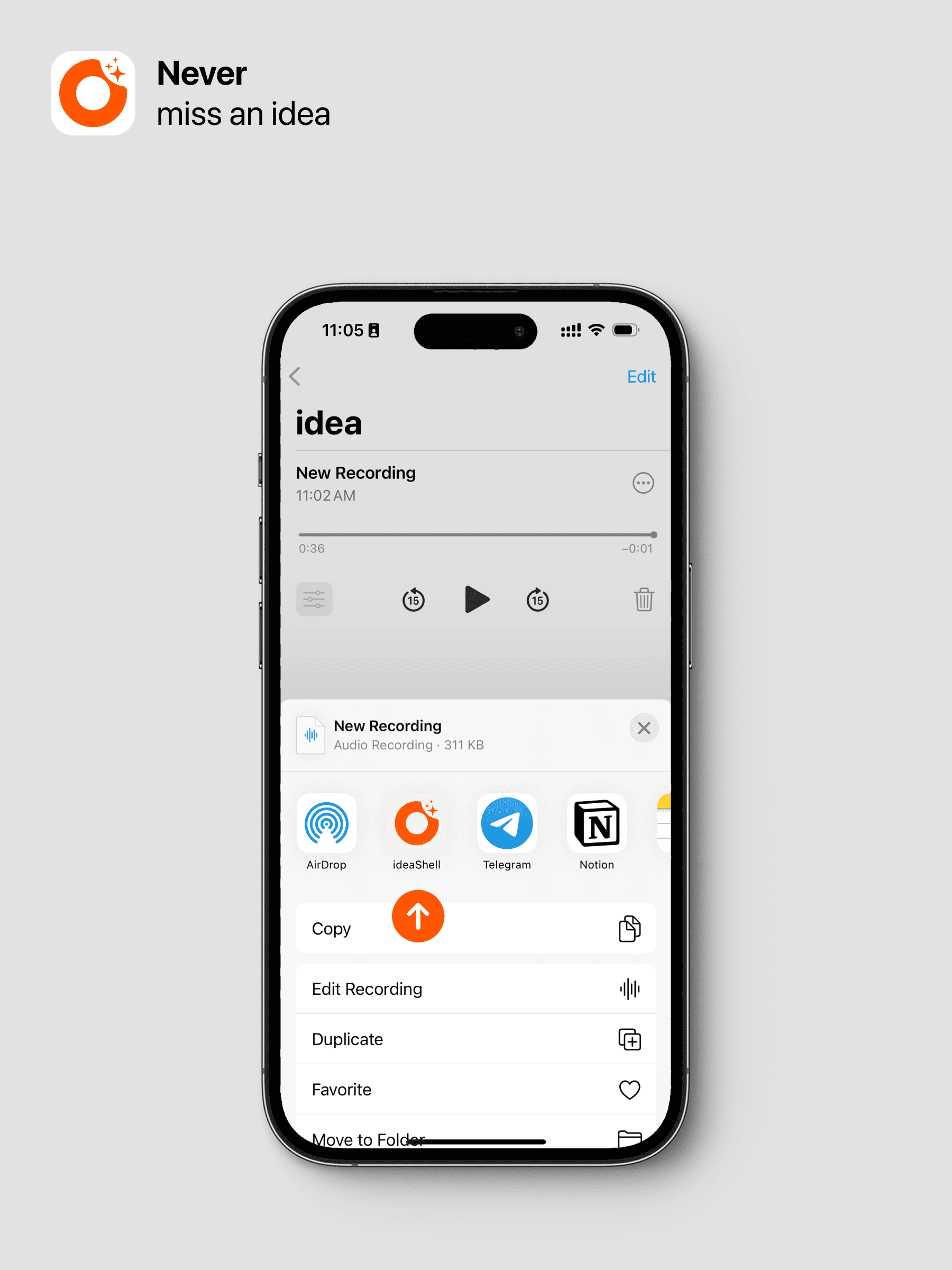
📼 How to import audio files?
We support importing audio content via external sharing. Select the file you want to import, tap the system share button, and choose ideaShell to import it.
🎙️ What’s the difference between ideaShell’s voice transcription and other voice transcription software?
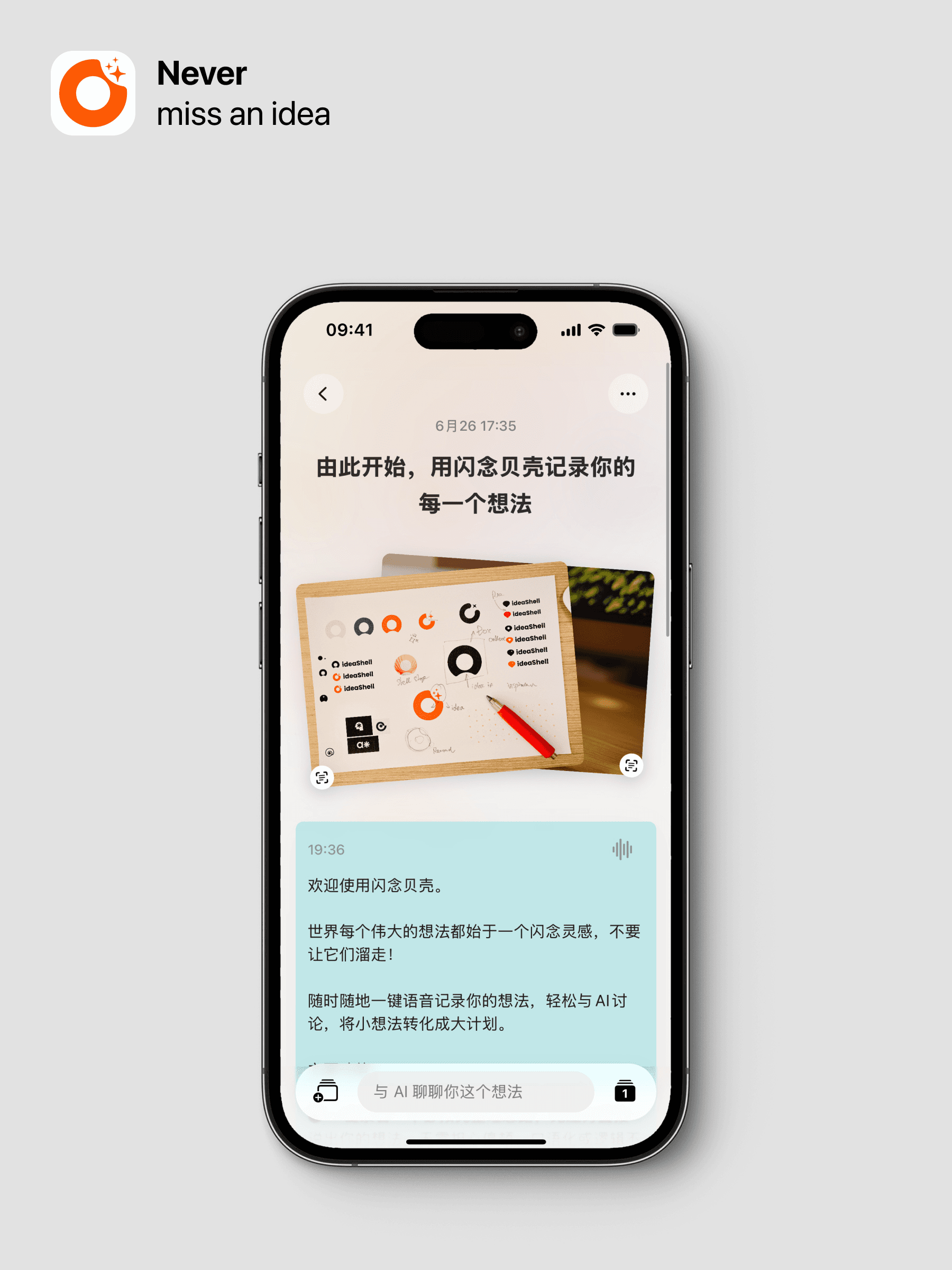
Ordinary transcription software mainly converts sound into text without analyzing the meaning of the language. ideaShell uses AI not only to convert sound to text but also to correct errors based on the content, reduce filler words and other invalid content, and finally segment and format the text, generating suitable titles, tags, and summaries. This makes the entire note more logical, easier to read and understand, and easier to find.
📔 How to summarize a conversation into a new note?
Awesome! You found this feature! After discussing your note with AI, you can generate a new note—this is how your idea grows. To do this: choose to generate a smart card, AI will organize it for you, then click the export button, and the first option is to generate a new note.
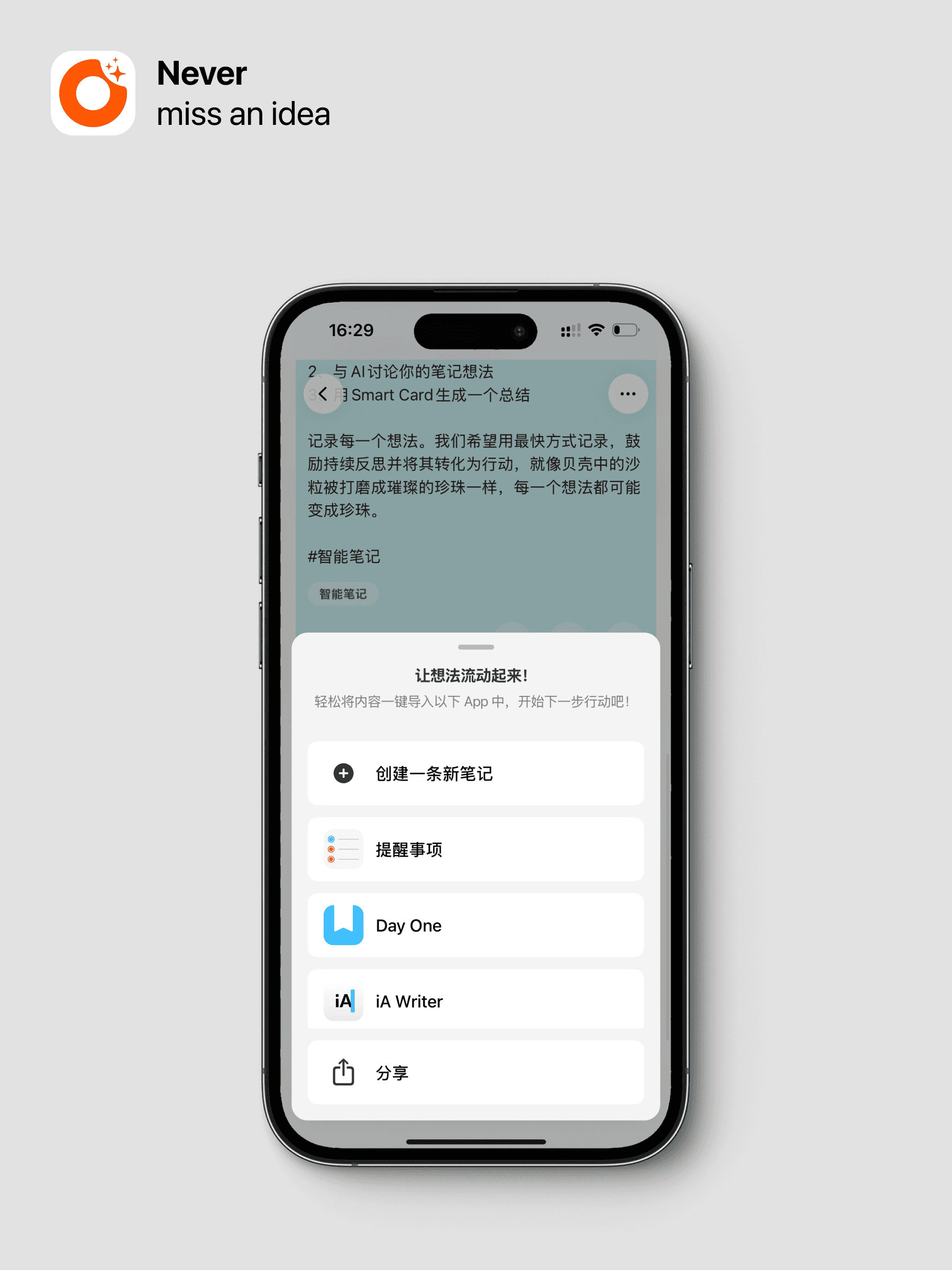
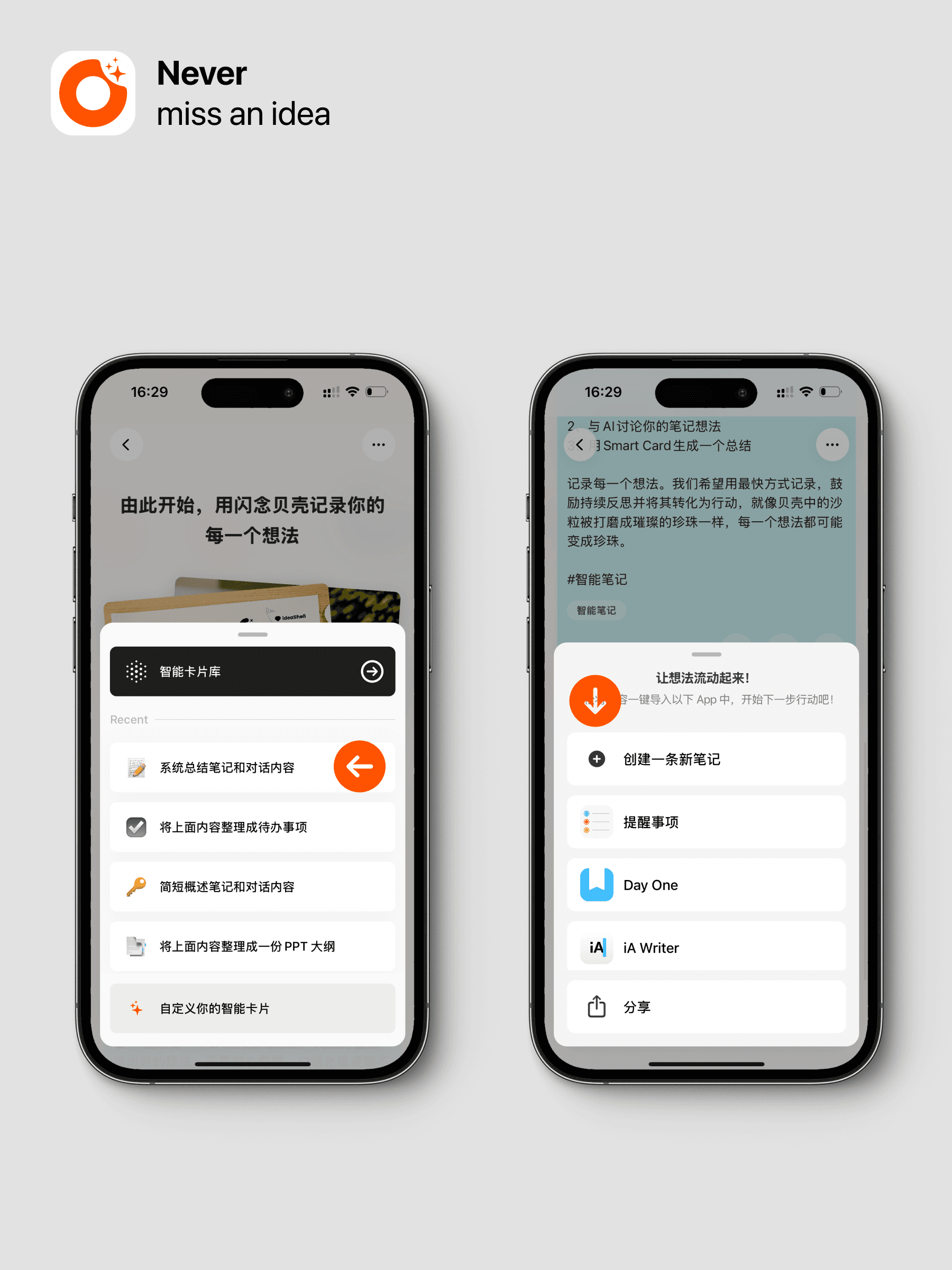
🚀 How to export my content?
Easy export to other apps is one of ideaShell’s signature features. You can click the export button next to a note card or smart card to export.
⏱️ What is the maximum recording time supported?
There is no limit on recording length, but there are limits on single transcription sessions (Premium members can transcribe up to 5 hours at once, non-members up to 1 hour). For recordings longer than 10 minutes, you need to manually tap the transcribe button to start AI transcription.
☎️ How to chat with AI?
-
After creating a new note, you can directly chat with AI in the dialogue box at the bottom of the interface, just like communicating your ideas with a smart sage.
-
You can also generate the content you want through smart cards, such as summaries.
📟 What if there are too many chat contents and I want to delete and start over?
You can tap the clear conversation button at the top right of the detail page to delete your chat content (this cannot be undone). Deleted content includes chat history and smart cards. If you want to save smart card content, you can export it by clicking the export button on the smart card or create a new note.
🌟 How to convert smart cards into new notes?
Yes, smart cards can be directly converted into new notes. For example, summaries after discussing with AI can be generated into new notes with one click to continue the discussion, while keeping the old content.