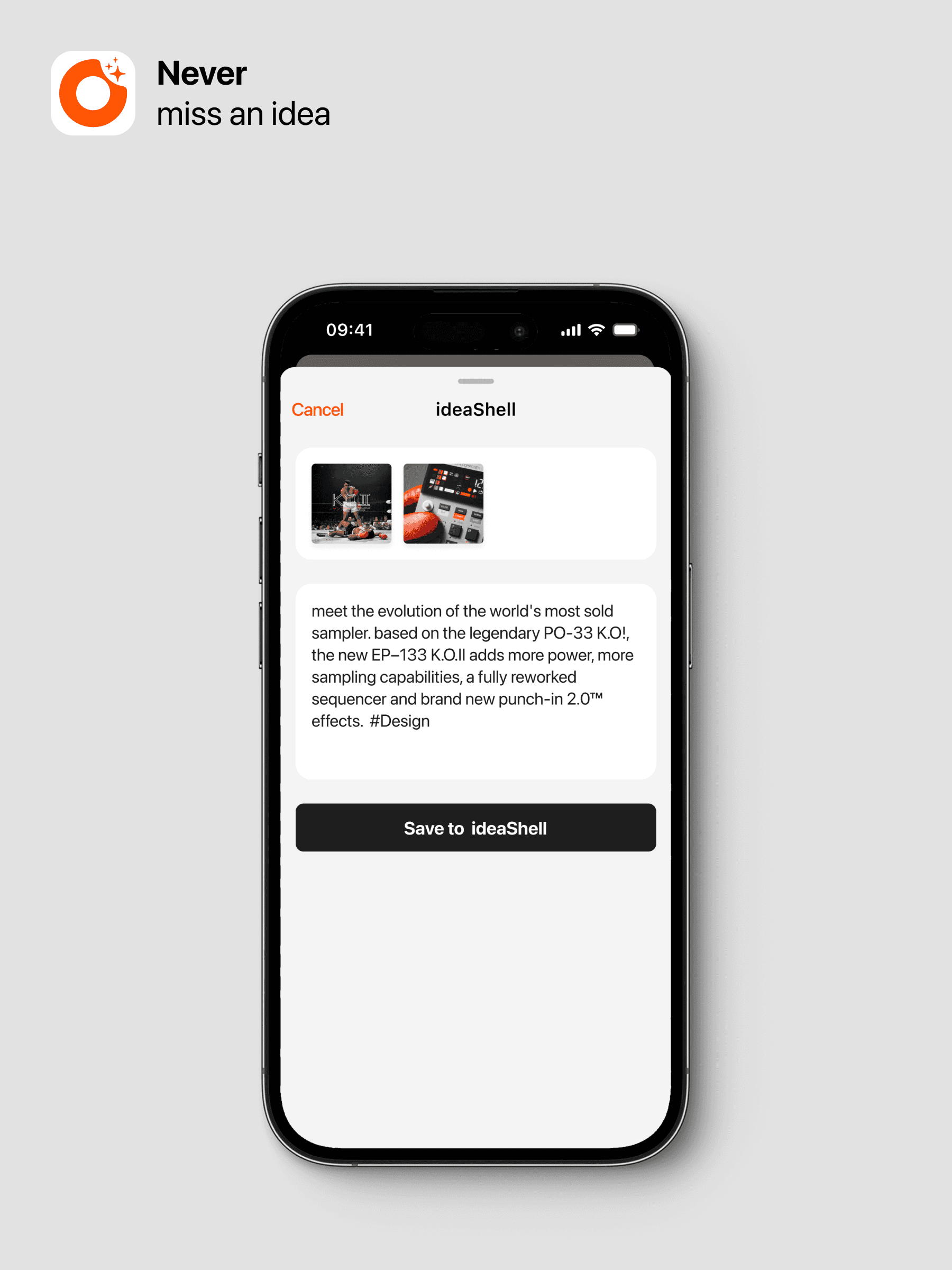
Quickly Import Images and Text
Update Date: 11/25/2025
To make it easier for you to collect content you see daily, such as beautiful images on web pages or elegant paragraphs in articles, ideaShell offers a convenient recording feature.
Currently, ideaShell supports importing three types of content: recordings, images, and text. Their import methods are the same, using the iOS system’s import approach.
Step 1: Choose the content you want to import
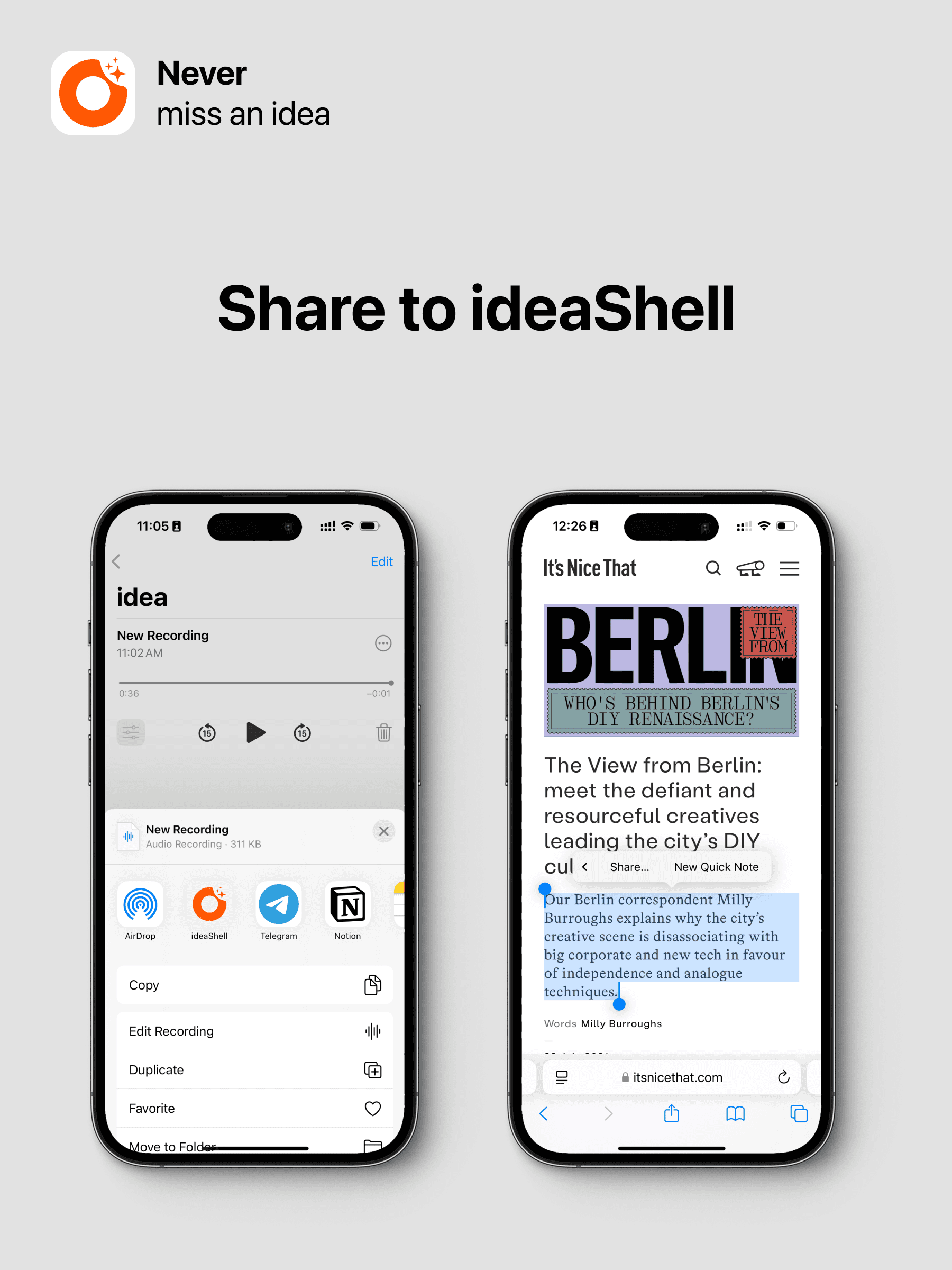
Step 2: Tap Share and select “ideaShell”
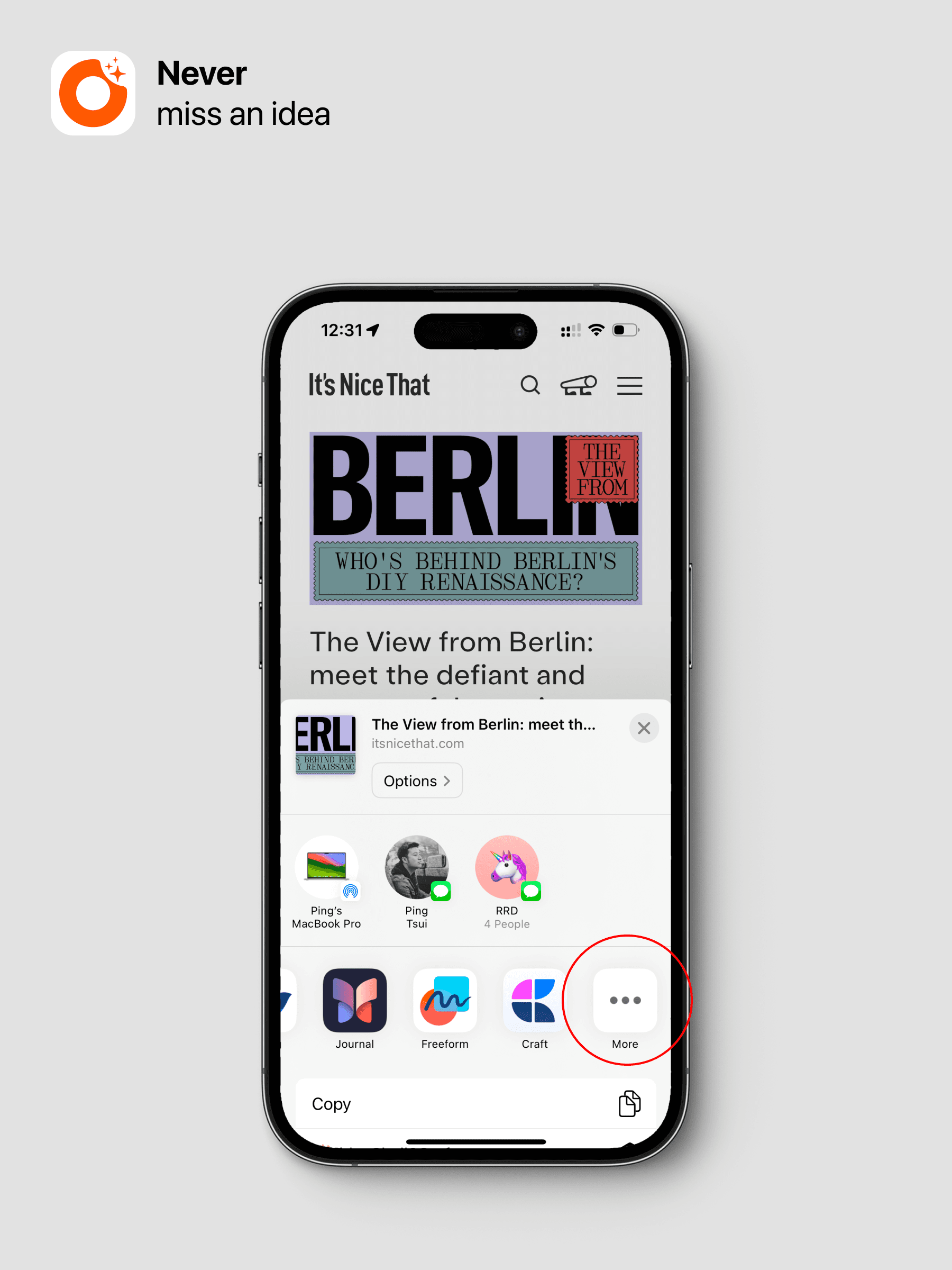
If ideaShell is not on the first screen, you can swipe left, tap ”…”, and then add ideaShell to a more front position for easier access.
Step 3: Fill in your content description, such as the background of this recording, image description, etc. Of course, you can also add tags by typing ”#”.